Everyday apps, within reach.
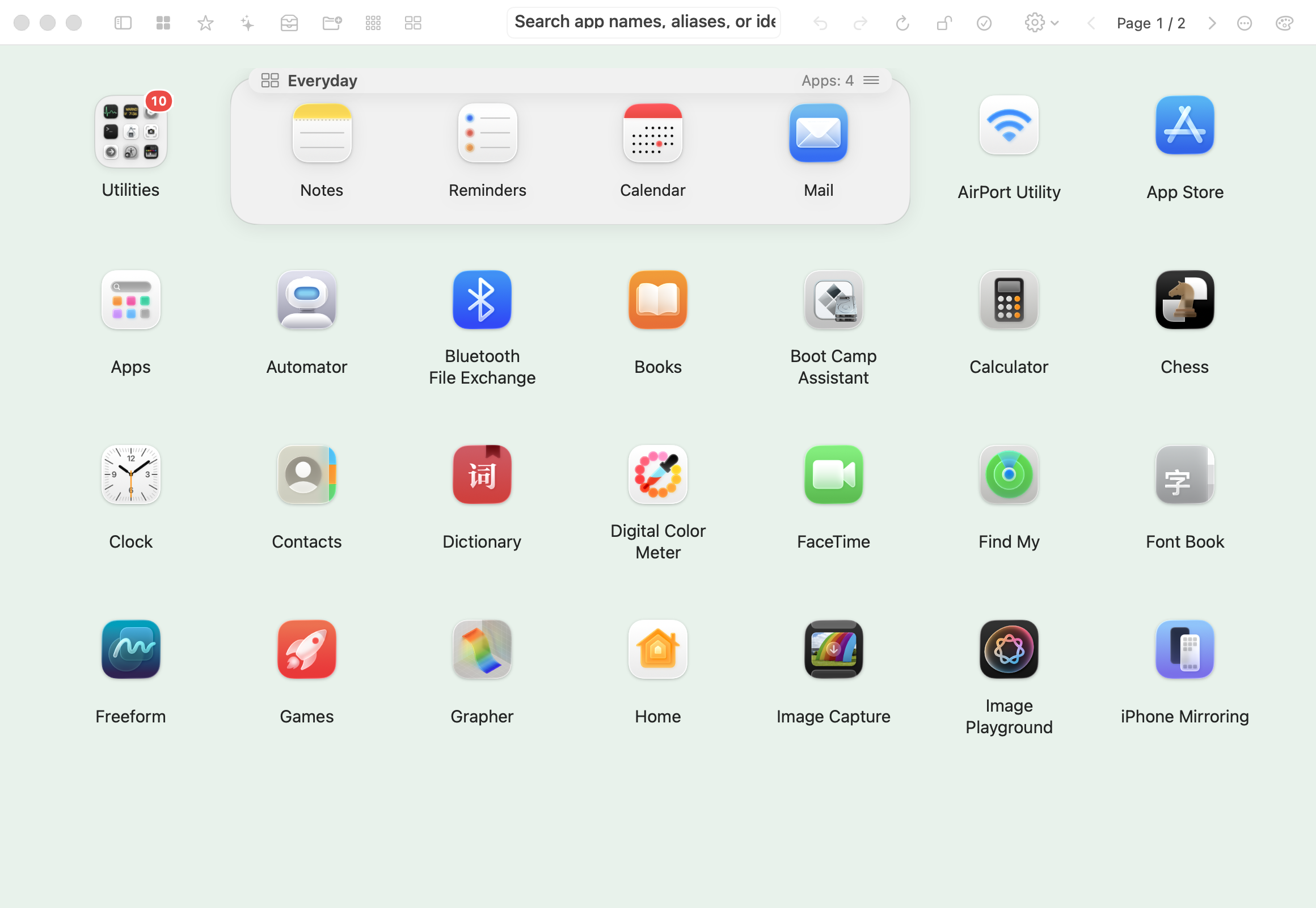
Cards show their apps directly. Choose a row, a column or a grid: four apps can be 1×4, 2×2 or 4×1. Drag apps, groups and cards into place or move them to an adjacent page.
 Wildlet
A clear place for everything you open. Organize Mac apps into categories, popup groups and flexible cards, then find them by name or your own aliases.
Submitted for App Store review · Coming soon
macOS 26+ · 7-day free trial · US$6.99 lifetime organization access
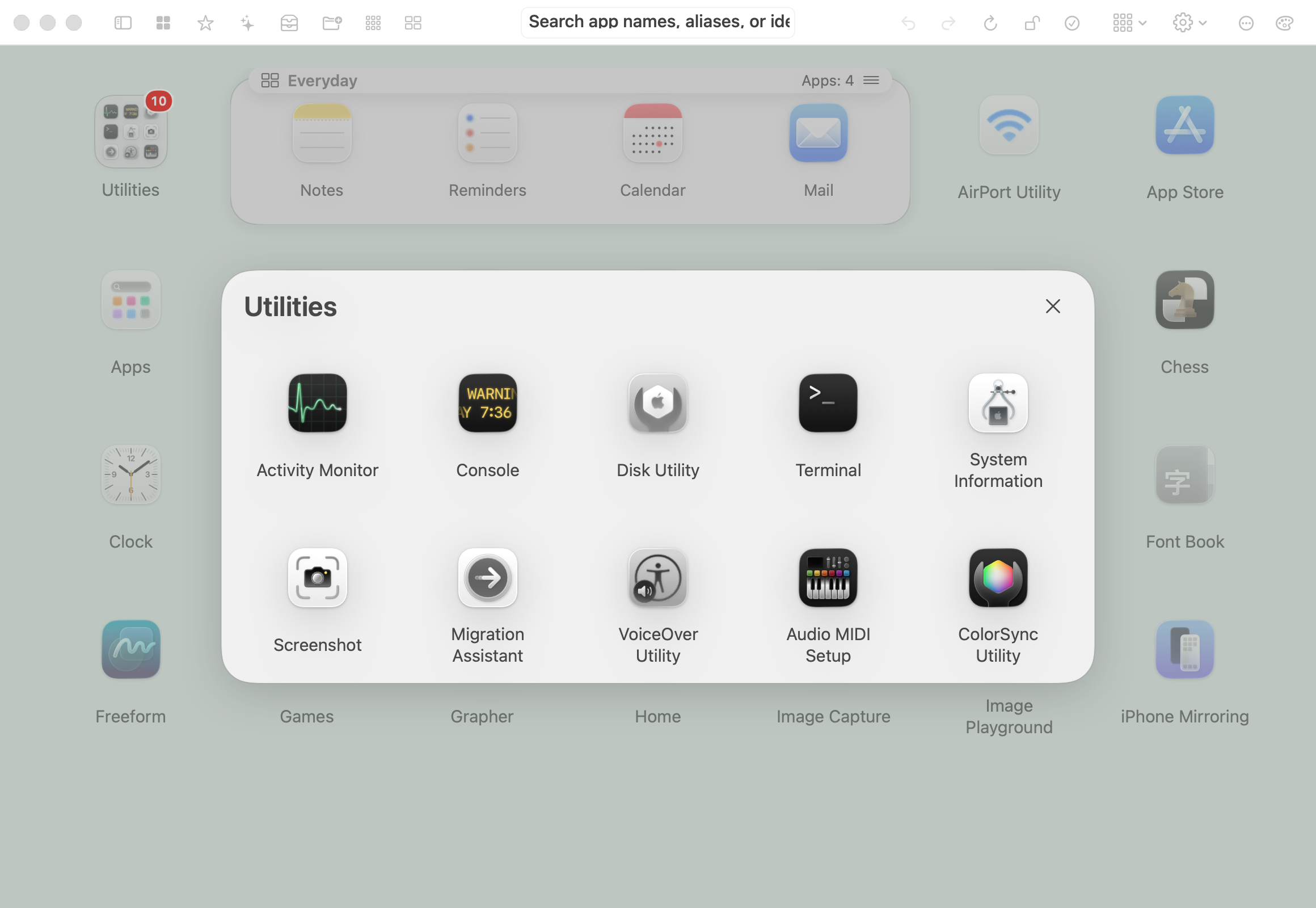
Keep apps together in a compact 3×3 preview. Open a group as a popup, launch an app, or click outside to return. Choose from three preview sizes; the largest lets you launch its apps directly.
Cards show their apps directly. Choose a row, a column or a grid: four apps can be 1×4, 2×2 or 4×1. Drag apps, groups and cards into place or move them to an adjacent page.
Search app names, personal aliases and identifiers. Keep favorites close, adjust display density and background, and choose from 14 interface languages.
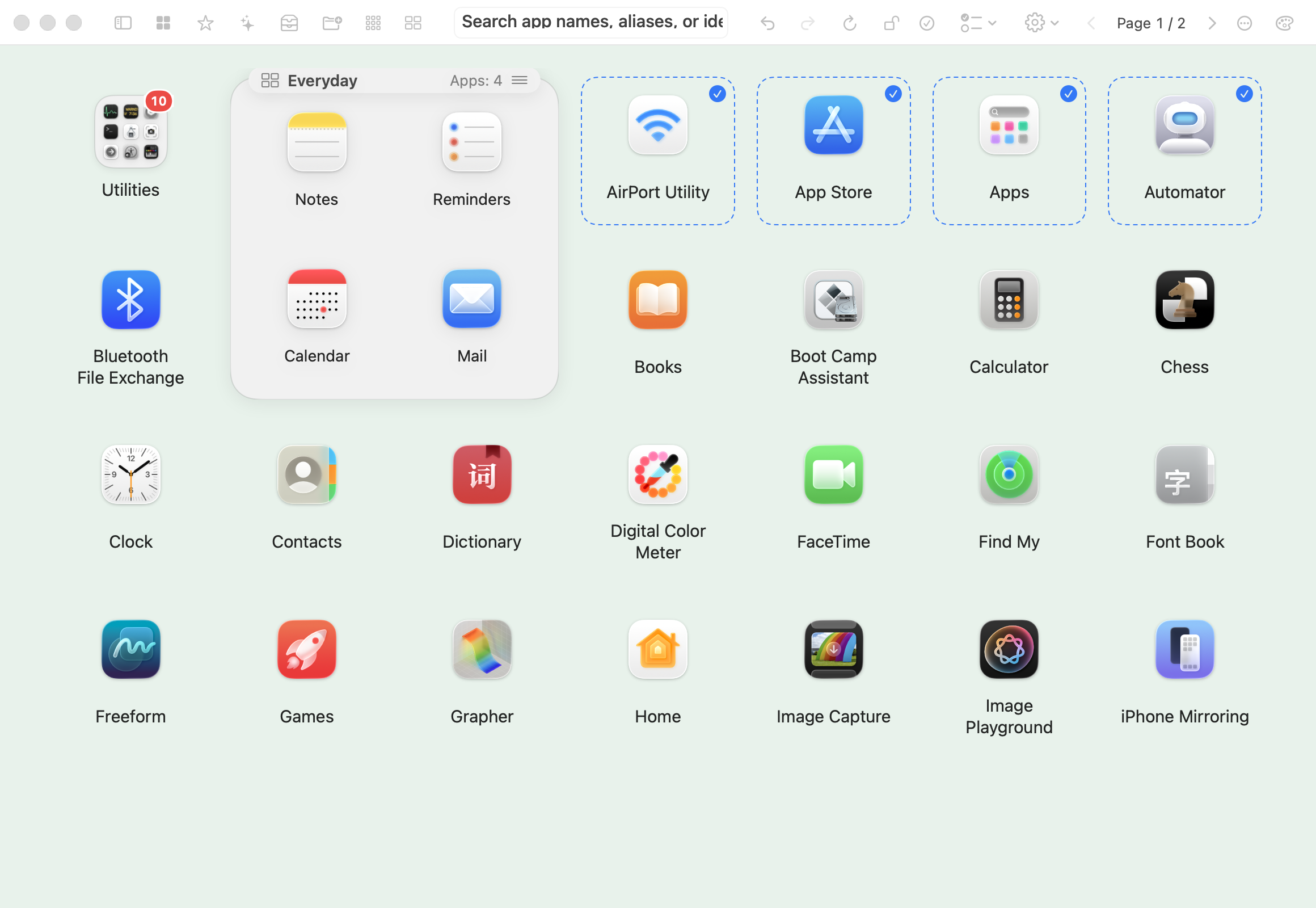
Draw a selection rectangle or select several apps, then move them into a category, group or card together. Undo changes, lock your layout, and keep local exports and history backups.
Download free when available. Explicitly start one free seven-day trial in the app. A separate one-time US$6.99 Lifetime Access purchase unlocks ongoing creation and editing of categories, groups and cards, plus layout import and restoration. No subscription, renewal or automatic charge.
After the trial, your existing layout stays usable. Browsing, searching, launching, favorites, aliases, settings and layout export remain available. Local prices and taxes are shown by the App Store. Wildlet Launch and Nature Companion are separate apps with separate purchases.
Submitted for App Store review · Coming soon